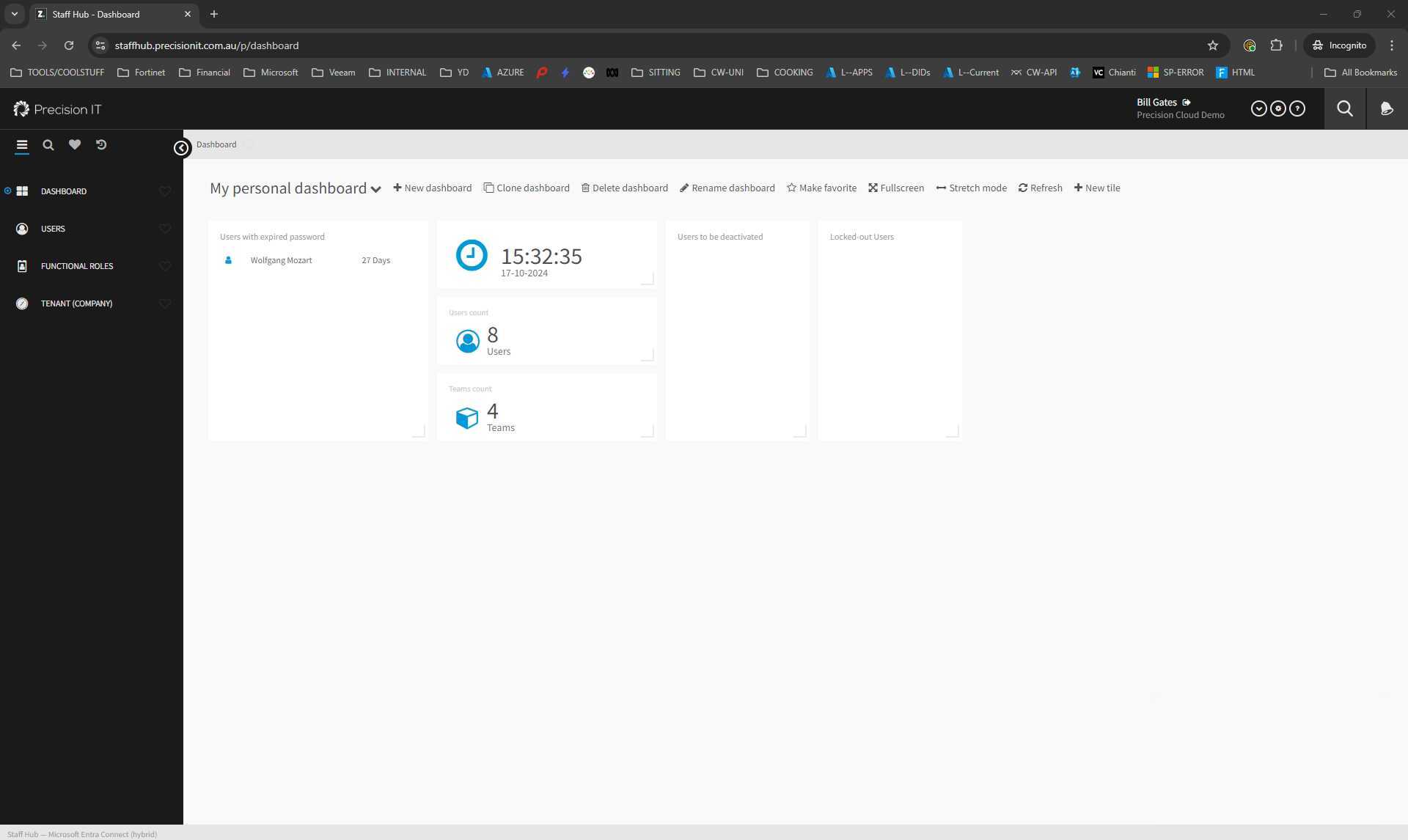
The video introduces the Precision IT Staff Hub portal, which is a user management platform that enables HR departments to manage user changes quickly and securely. It also explains how to access the portal URL and provides an overview of the portal interface.


|
|
|||
|
|
|||
|
|


|
|
|
 Uploaded
|
|
0:00 |
|
|
|
|
0:05 | ||
|
|
0:10 |
|
|
|
|
0:15 | ||
|
|
0:20 | ||
|
|
0:25 |
|
|
|
|
0:30 | ||
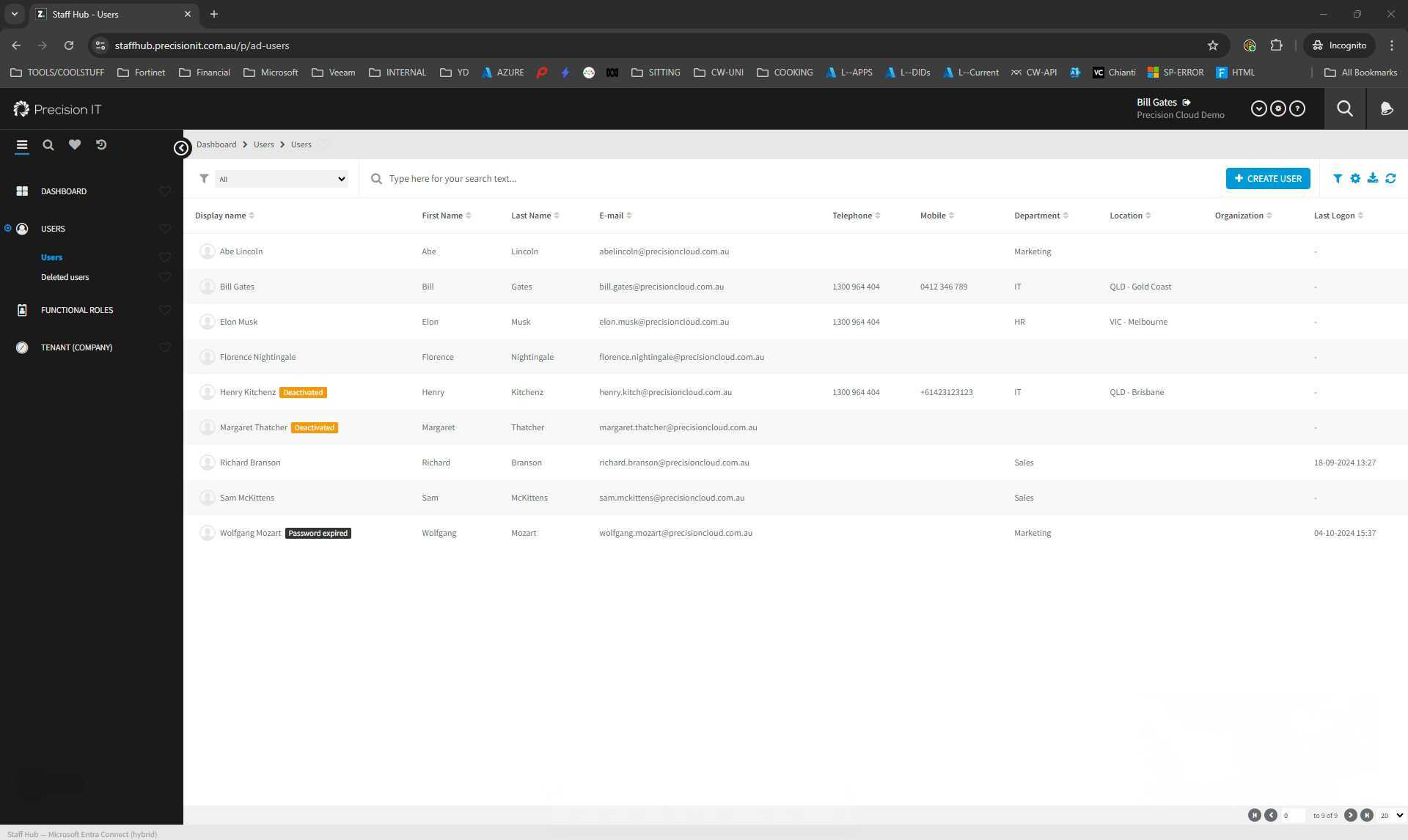
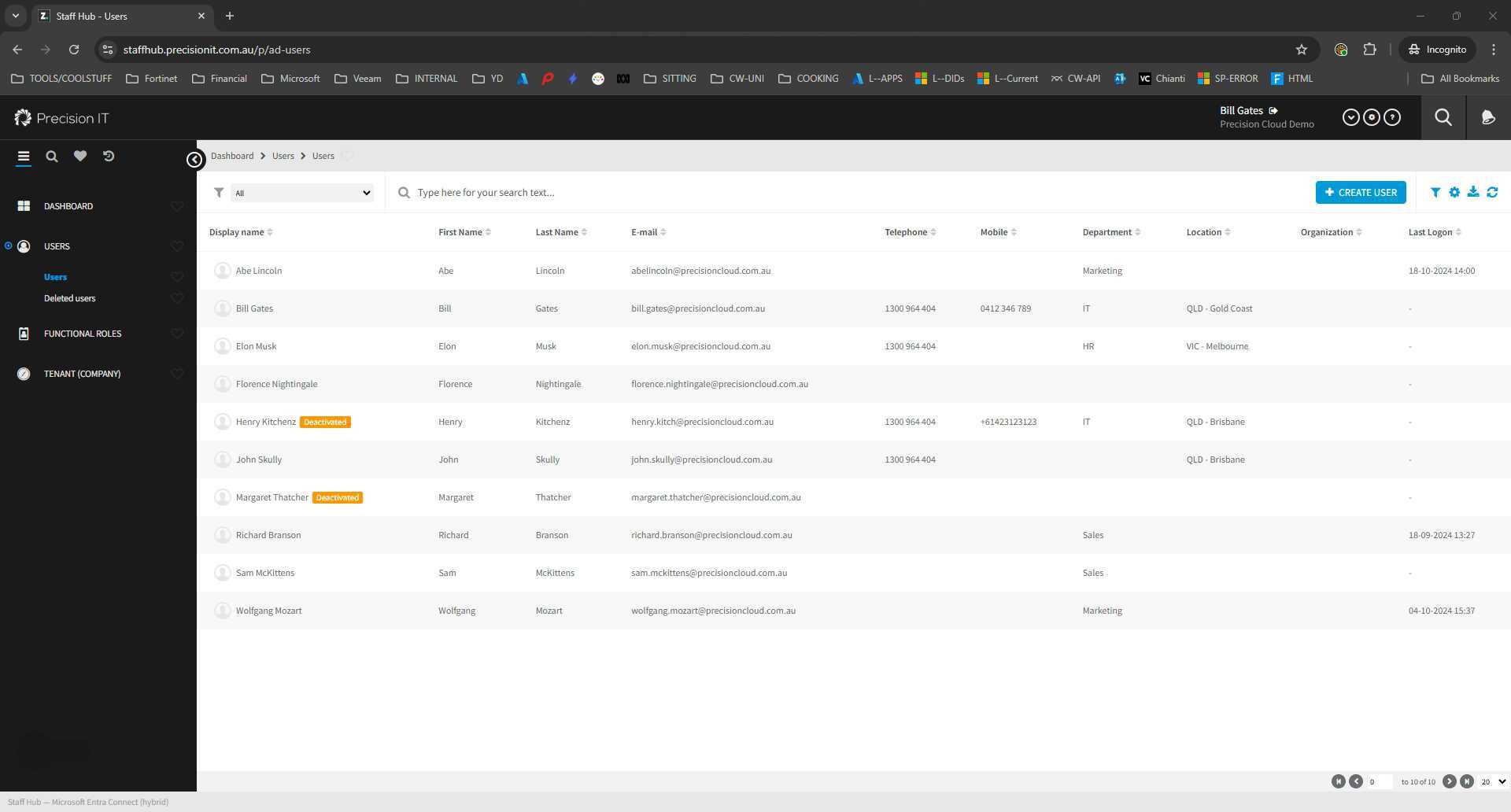
The video provides a step-by-step guide on creating a new user account within the StaffHub portal, including setting up user information, creating a password, selecting a start date, assigning a job title, setting a department, and more.
|
|
|||
|
|
|||
|
|
|
|
|
Uploaded
|
|
0:00 |
|
|
|
|
0:05 | ||
|
|
0:10 |
|
|
|
|
0:15 | ||
|
|
0:20 | ||
|
|
0:25 |
|
|
|
|
0:30 | ||
This video demonstrates how to grant a user or staff member access to a shared mailbox in an Outlook account. It includes navigating to the user, selecting the shared mailboxes, and granting access to specific mailboxes and email addresses.
|
|
|||
|
|
|||
|
|
|
|
|
Uploaded
|
|
0:00 |
|
|
|
|
0:05 | ||
|
|
0:10 |
|
|
|
|
0:15 | ||
|
|
0:20 | ||
|
|
0:25 |
|
|
|
|
0:30 | ||
This video demonstrates the process of terminating a staff member using the staff hub portal, including converting the user to a shared mailbox to retain email history.
|
|
|||
|
|
|||
|
|
|
|
|
Uploaded
|
|
0:00 |
|
|
|
|
0:05 | ||
|
|
0:10 |
|
|
|
|
0:15 | ||
|
|
0:20 | ||
|
|
0:25 |
|
|
|
|
0:30 | ||